How ManoCity Works
One line of code.One real-world action.
ManoCity connects Python, electronics and physical missions into one learning loop: understand it, code it, watch it happen.
Learn the idea
Understand the coding concept in a short lesson.
Send the instruction
Your Python code is sent to ManoBot.
Robot responds
Motors and sensors turn code into physical behaviour.
Complete the mission
ManoBot moves through ManoCity and solves the challenge.
Under the Hood
Your code travelsthrough the robot.
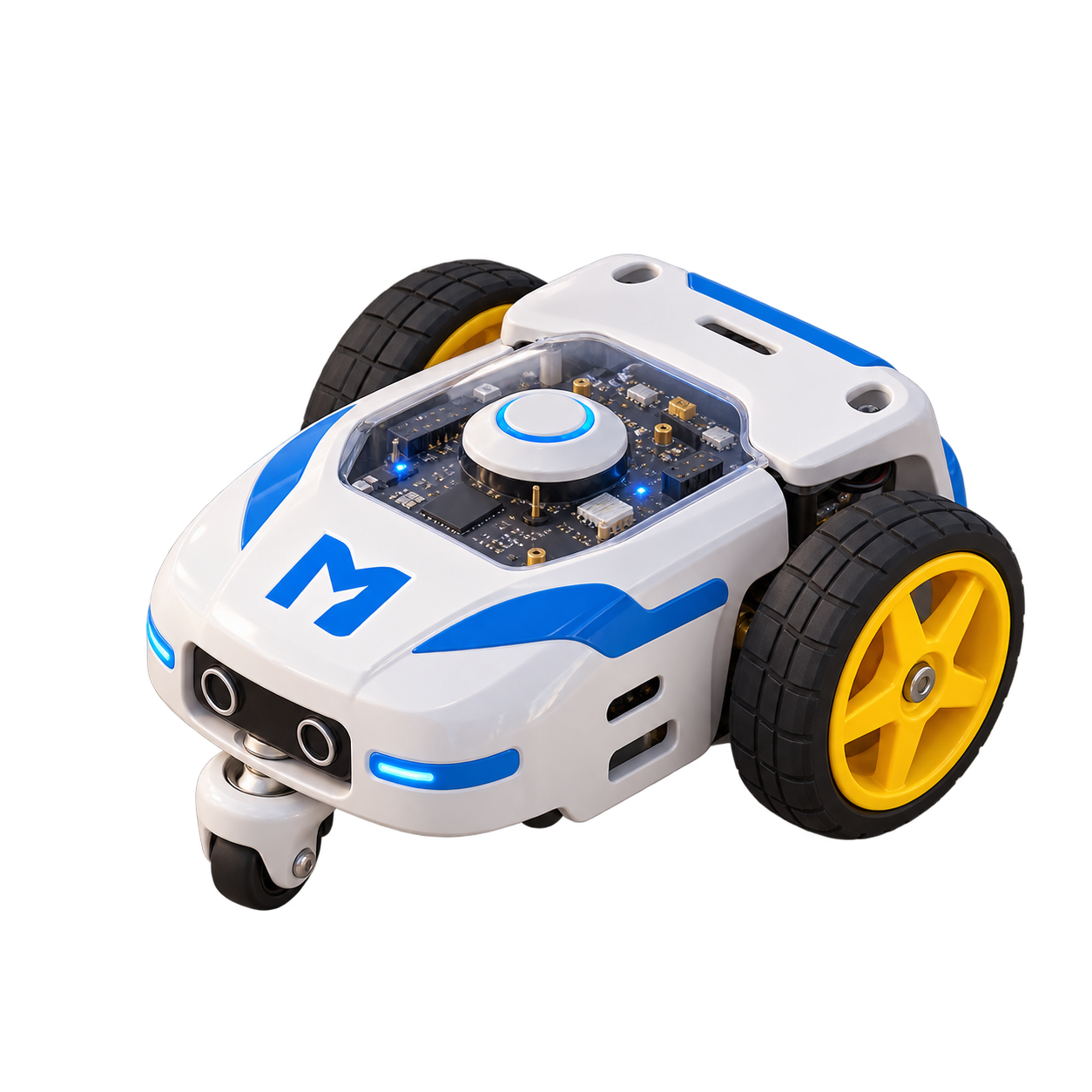
ManoCity is not a simulation. Follow one instruction as it travels from Python code through ManoBot's electronics and becomes physical movement.
Step 1
Python Code
The learner writes an instruction.
if light == "green":
go_straight()
Step 2
Raspberry Pi Pico W
The controller interprets the instruction and reads the robot's inputs.
Instruction received
Processing code + sensor data
Step 3
Motors + Sensors
Electronic signals become motor movement while sensors keep checking the environment.
Sensors
Read the road
Motors
Turn the wheels
Step 4
ManoBot Moves
The instruction finally becomes a visible action in the physical ManoCity.
Anatomy of a Mission
Every challenge teachessomething new.
Missions are not random tasks. Each one introduces a coding or robotics idea and then asks the learner to apply it physically.
Mission 01
Follow the Line
Mission 02
Stop at Red
Mission 03
Reach School
Mission 04
Handle a Junction
Why the Physical Kit Matters
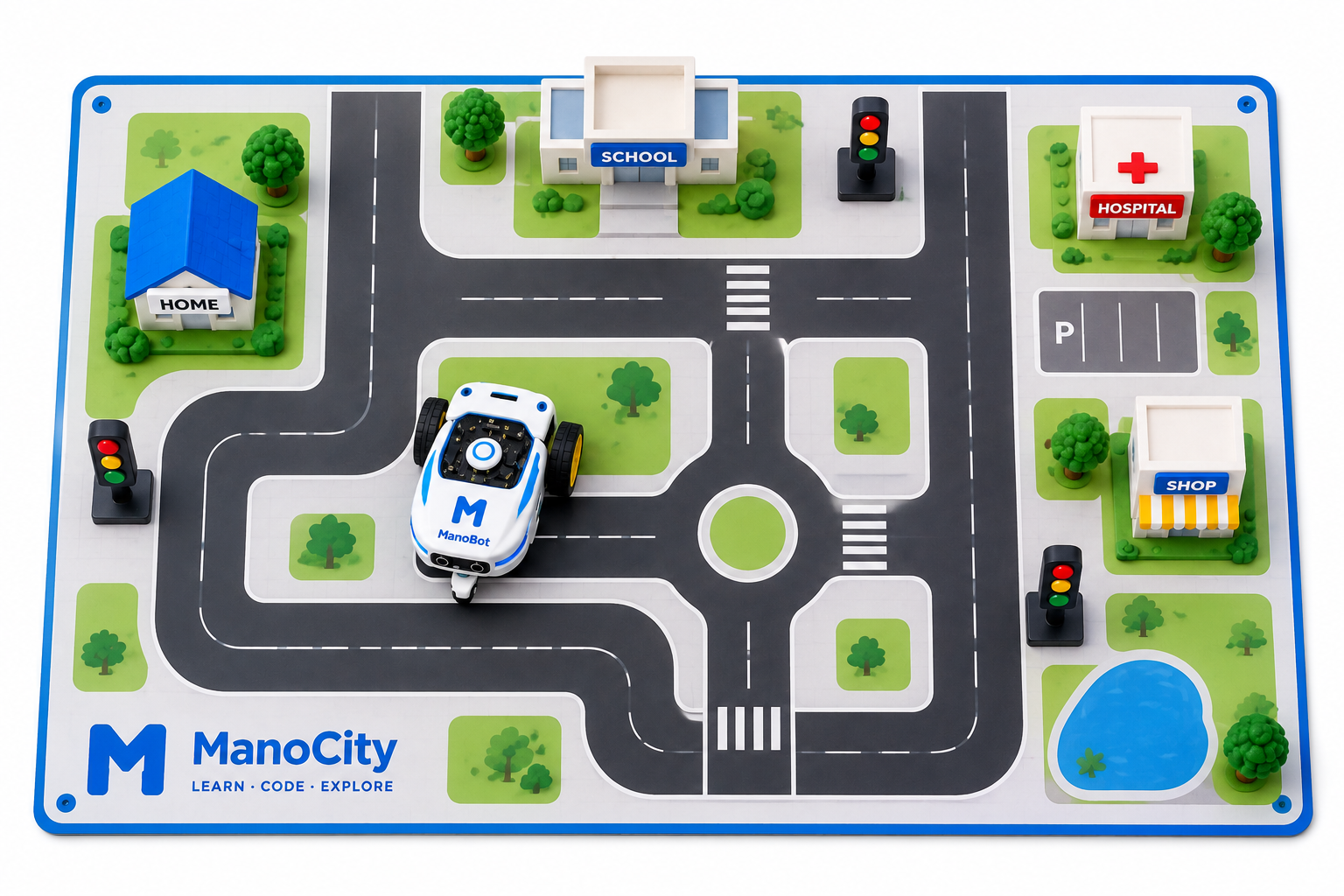
The city gives codea place to act.
Roads, buildings and traffic signals are not decoration. They create real constraints that make programming decisions meaningful.
Progression
Start simple.Build toward autonomy.
Ready to Try It?
Make your firstline of code move.
Start with Python Essentials or explore the physical ManoCity kit.